Turn into a children's book factory
Semu writes the prompts for you, then one click inside Canva makes or edits each picture and places it on the page, so you never open ChatGPT. Every page and the cover come at the exact KDP size, with the same characters throughout, in the style you choose.
Free to start. No card needed.
Works inside , with
- ChatGPT
- Gemini
- Grok
 Gemini
ChatGPT and Canva were made for social media designs. Semu makes them build KDP books.
Just using ChatGPT and Canva
- Writing prompts and copying pictures between ChatGPT and Canva, page by page.
- Your main character looks a little different on every page.
- Struggling to find the page size, bleed and margins KDP wants.
- Working out the cover size and spine width yourself.
- Pictures that look fine on screen and print blurry.
- KDP rejects your file and you don't know why.
- Not sure what to fill in when you publish your book on KDP.
With Semu
- Semu writes every prompt. One click, and the picture lands on the page.
- Your characters look the same on every page.
- Your book starts at the exact KDP size, bleed included.
- A full cover with title and back text, sized to your page count.
- Semu warns you about blurry pictures and shows the fix.
- Semu checks your book before you download it.
- When you publish on KDP, Semu's guide tells you what to enter in every field, ready to copy.
How it works
From an idea to a print-ready book, in five steps.
- 01
Describe your book
Press the gold “Create your KDP book” button on Canva’s home page. Tell Semu your idea, then pick the kind of book, the readers’ age, the size and a style.
- 02
Read your brief
Your AI writes a short brief for the story. Change anything you like, then press “Create my book”.
- 03
Semu builds the book
A new Canva design at KDP’s exact size, every page with its text and its picture prompt, plus a title page, a copyright page and a “This book belongs to” page.
- 04
Make the pictures
Make your Character Reference Image first. Then press Generate above each page, or make many pages at once. Edit any picture until you love it.
- 05
Cover, check, publish
Make the wraparound cover, let Semu check the book, download the PDF from Canva and follow the KDP guide.
Features
Everything a KDP book needs, added to Canva.
Canva does the design. Your AI does the writing and drawing. Semu joins them together and adds everything KDP expects.
01Write
A whole book from one idea
Your AI writes the brief, the story, the text of every page, a picture prompt for every page and the words for the cover.
Front pages included
A title page, a copyright page and a “This book belongs to” page, counted in your page total.
The exact KDP size
Your design is created at KDP’s trim size, with bleed if you want it, and the text set where it prints safely.
02Draw
A prompt box above every page
Press Generate and the picture is placed on that page, behind the text. Choose ChatGPT, Gemini or Grok for each picture.
The same characters on every page
Make one Character Reference Image, approve it, and Semu sends it with every picture, together with your style picture.
Edit by pointing
Click a spot or drag over an area of a picture, write what should change there, and press Edit.
Many pictures at once
Pick the pages and Semu makes up to five pictures at a time on each AI site. The rest wait their turn.
Watch it live
Every running picture has a “Watch live” button that opens the very tab where your AI is drawing it.
03Cover
A wraparound cover, written with your book
Front, spine and back in one picture, with your title, a short tagline and the back cover text, lettered by your AI.
The right size from your page count
Semu works out the spine width from KDP’s rules, keeps the barcode corner clear, and warns you if your page count changes.
04Publish
Help inside Canva’s Download menu
Semu writes under each setting which option KDP needs, with a tick once it is right.
A check before you download
KDP’s page limits, pages with no picture, an author name still missing, and pictures that may print soft, with Canva’s Upscale as the fix.
A guide for the KDP forms
Every KDP field and what to put in it, with a Copy button. Your AI writes the description, keywords and categories.
Already have a design in Canva? Open it and the Semu panel is there too, with prompt boxes for its pages, the cover, the check and the KDP guide.
Powered by the AI you already pay for.
Semu opens ChatGPT, Gemini or Grok in a Chrome tab, types each request for you and brings the text or the picture back to Canva. ChatGPT is the default; pick another for any picture.
No API keys, no credits
Semu works in the AI account you are already signed in to in Chrome. It never asks for a password or a key.
Watch it work
“Watch live” opens the very tab where your picture is being made. Semu types, sends and brings the result back to Canva.
Tidy tabs
Each book’s AI tabs stay together in their own Chrome tab group, named after your book.
Honest about limits
How many pictures you can make a day depends on your AI plan. When a site says you reached its limit, Semu stops and tells you.
Illustration styles
50 styles, sorted by your readers' age.
Pick one, or upload a picture in your own style. Semu sends that style picture with every picture request, so the whole book looks like one artist drew it.
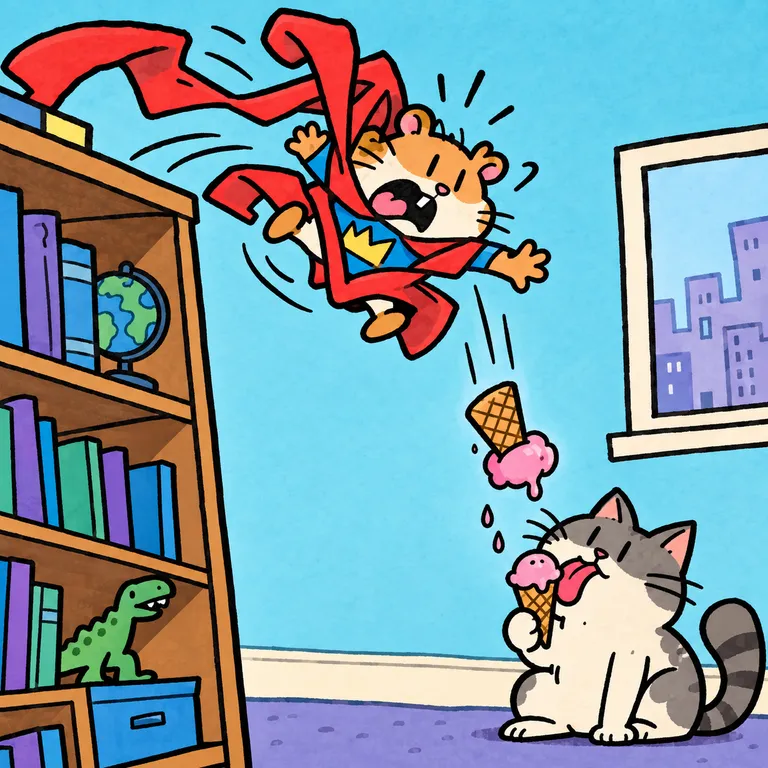
Kid's Marker Comic 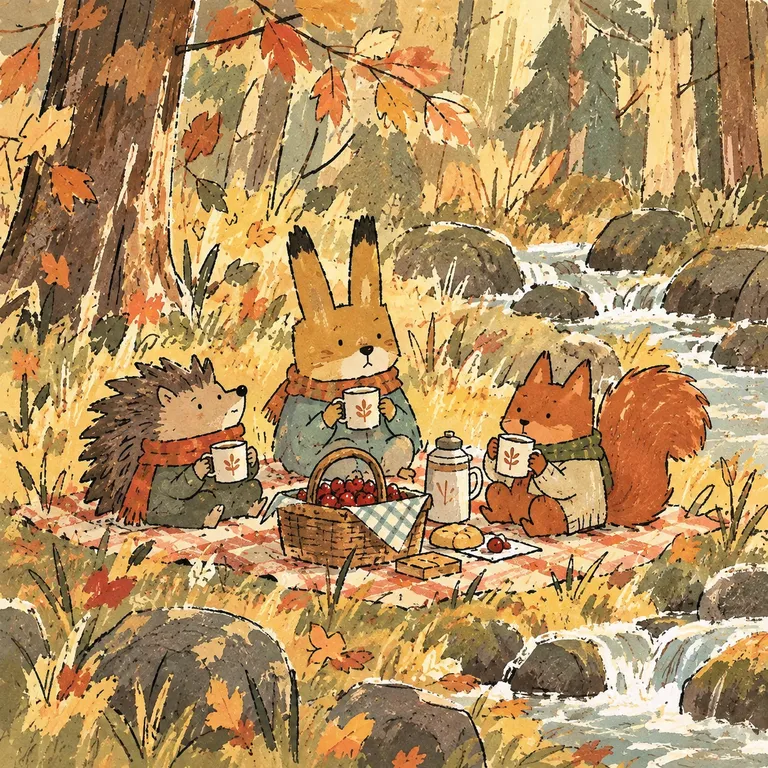
Rough Gouache & Ink 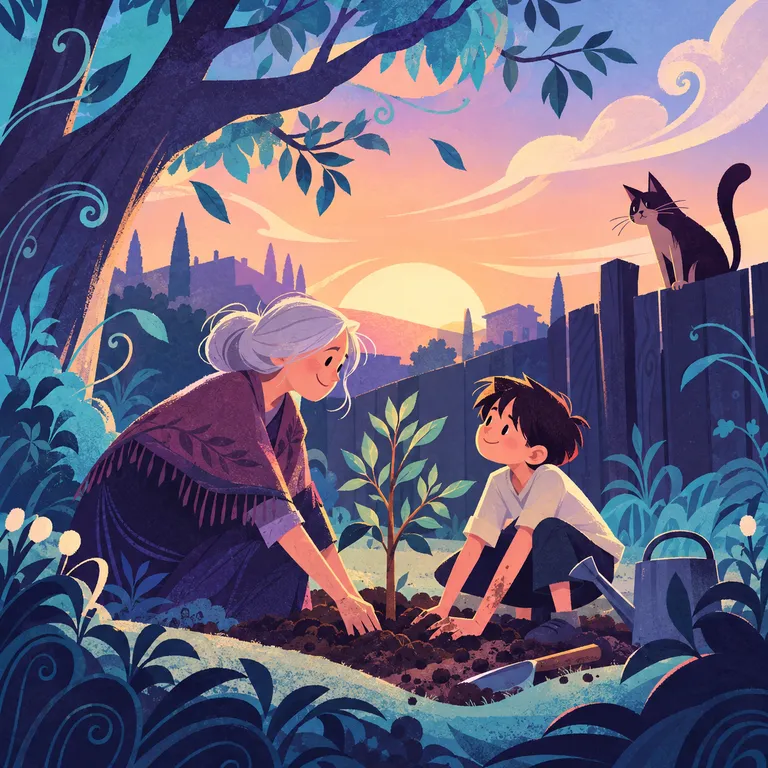
Decorative Grain 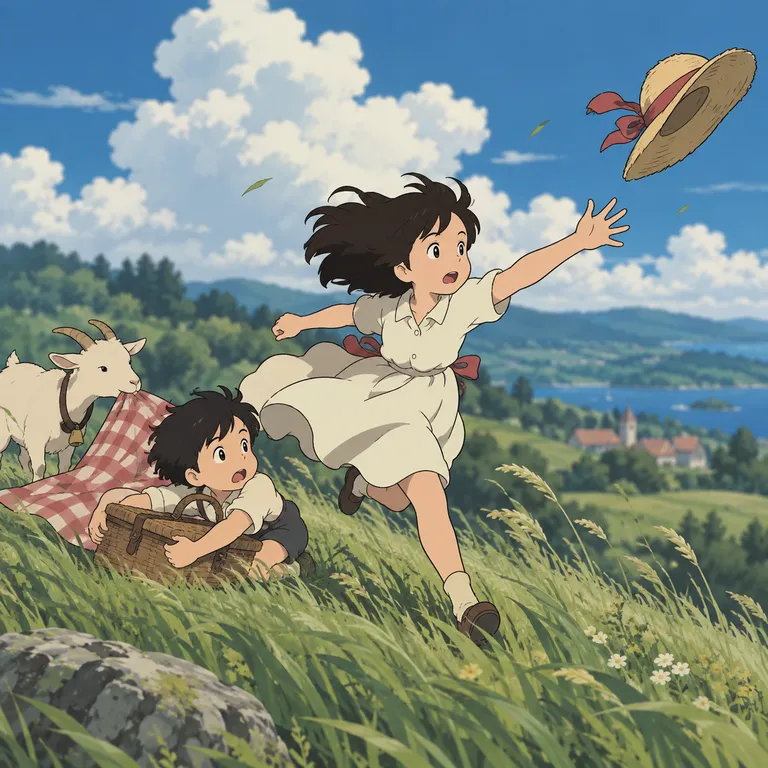
Classic Anime 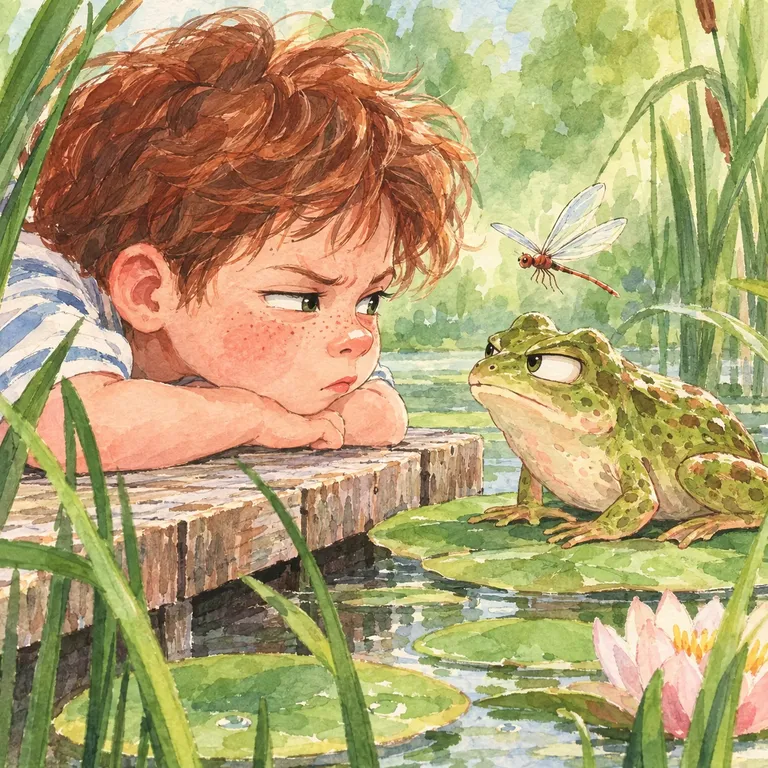
Traditional Watercolor 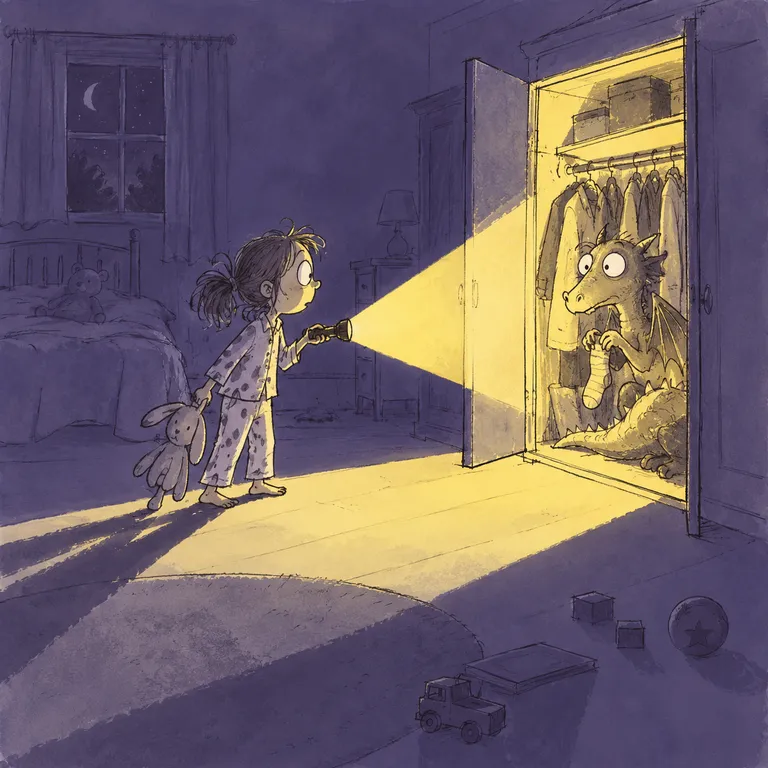
Two-Tone Ink Wash 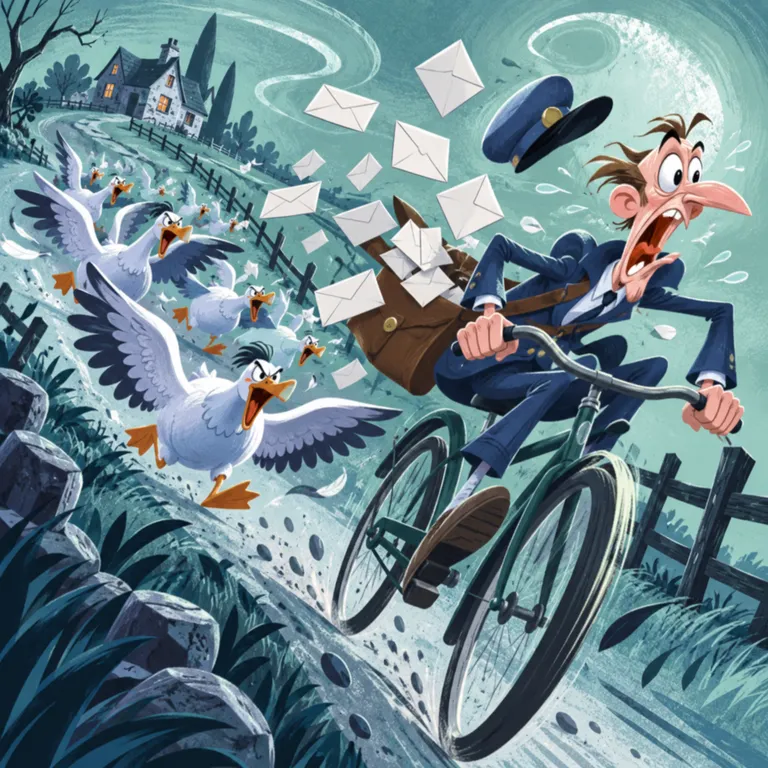
Mid-Century Cartoon 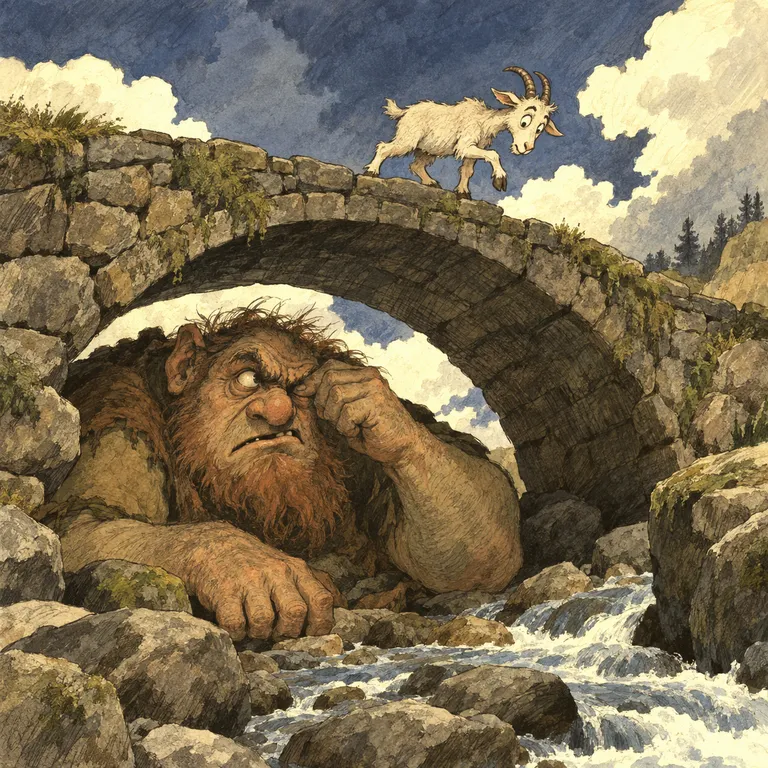
Pen & Ink Fairy Tale 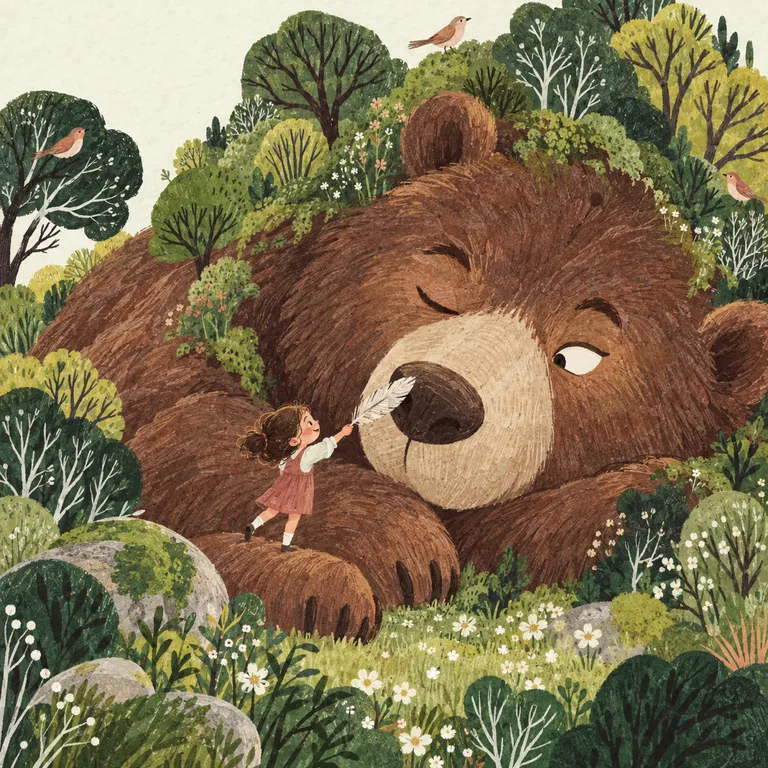
Decorative Gouache - Your own styleUpload any picture to copy how it is drawn
For every kind of children's book
- Picture stories
- Early learning
- Fact books
- Coloring books
Paperback, hardcover and eBook today. Activity books are coming soon.
Safe and private
Your books stay yours. Even from us.
No outside servers for your pictures
Every picture is made by your own AI account, from your own browser. We don't use outside servers to make your pictures.
We never see your books
Your stories, prompts and pictures stay in your browser and in your Canva account. We don't know what you make.
No monthly fee from us
Because Semu uses the AI plan you already have, there is no AI bill for us to pass on. That is why Semu is paid once.
The difference
Same tools. Far less work.
| What you get | With Semu | Your AI + Canva alone |
|---|---|---|
| Story, page text and every picture prompt written | Yes | By hand |
| Pictures made and placed on the page for you | Yes | No |
| Same characters on every page | Yes | By hand, every time |
| Many pictures at once, from ChatGPT, Gemini or Grok | Yes | One at a time |
| Book created at KDP’s exact size and bleed | Yes | No |
| Wraparound cover with spine, title and back text | Yes | By hand |
| Checked before download, with the right PDF options | Yes | No |
| Description, keywords and categories for KDP | Yes | By hand |
| Good-looking pictures | Yes | Yes |
Good to know
What Semu does not do.
It does not publish for you
KDP has no way for other tools to publish. You upload the PDF from Canva to your own KDP account, with Semu's guide beside you.
It does not promise sales
Semu makes the book faster and ready for print. A good story, a good cover and your own marketing still sell it.
Your eye is still needed
AI pictures can get details wrong. Look at every page, and edit or make a picture again until it is right.
It runs on a computer
Semu is a Chrome extension, so it works in Chrome on a computer, not on phones or tablets.
Pricing
Simple pricing you'll love
Try Semu for free, and when you're ready, unlock it for life.
One payment, no subscription, no surprises. And if Semu isn't right for you, get your money back within 7 days.
Lifetime
$26once
All Semu features
Your story, prompts and pictures made with your own AI, the same characters on every page, exact KDP sizes, the cover and a KDP guide. As many images as you like.
One-time purchase
Unlimited personal devices
Taxes may apply depending on your country.
All devices must belong to the same user. Different users need to buy separate licenses.
Please read our Terms of use before buying, including the book limits.
7-day money-back guarantee
Questions, answered.
Something else on your mind? Write to us at support@semuai.com and a person will answer.
Which AI do I need?
A ChatGPT, Gemini or Grok account, signed in to the same Chrome. How many pictures you can make each day depends on your plan there.
Can I try Semu for free?
Yes. Sign in and make 20 pictures and 20 edits for free, no card needed.
Do I need Canva Pro?
No, a free Canva account works. Only some Canva tools, like the image upscaler, need a paid plan.
Can I write the story myself?
Yes. You can edit the brief, every page's text and every picture prompt.
Does it work with a design I already have in Canva?
Yes. Semu's side panel and prompt boxes work on any Canva design.
Which languages can my books be in?
English only, for now. Other languages are coming soon.
What kinds of books can I make?
Picture stories, early learning books, fact books and coloring books, as a paperback, a hardcover or an eBook (coloring books are print only). Activity books are coming soon.
Does Semu publish my book on Amazon?
No. You download the PDF from Canva and upload it to KDP yourself. Semu's KDP guide tells you what to enter in every field.
Does KDP accept books with AI pictures?
Yes. KDP asks whether your book has AI-made content, and you answer honestly. Semu's KDP guide shows you the right answer.
Who owns the book?
You do. The book is in your own Canva account and you publish it in your own KDP account. Semu takes nothing from your sales.
Can Semu see my books or my AI account?
No. Everything is made in your own AI account and kept in your browser and your Canva account. Semu never asks for your passwords.
What happens if I remove Semu?
Your books stay in Canva. Semu's own notes (briefs, prompts, reference pictures) are deleted from your browser with it.
Your next book starts with Semu.
Free to start. No card needed.